


One support@, the whole team on it.
Stop forwarding mail around and sharing one password. In Work Inbox, support@ is a mailbox several people open with their own accounts, and replies go out from support@. Shared mailboxes are free on every plan.
How it works
A real mailbox
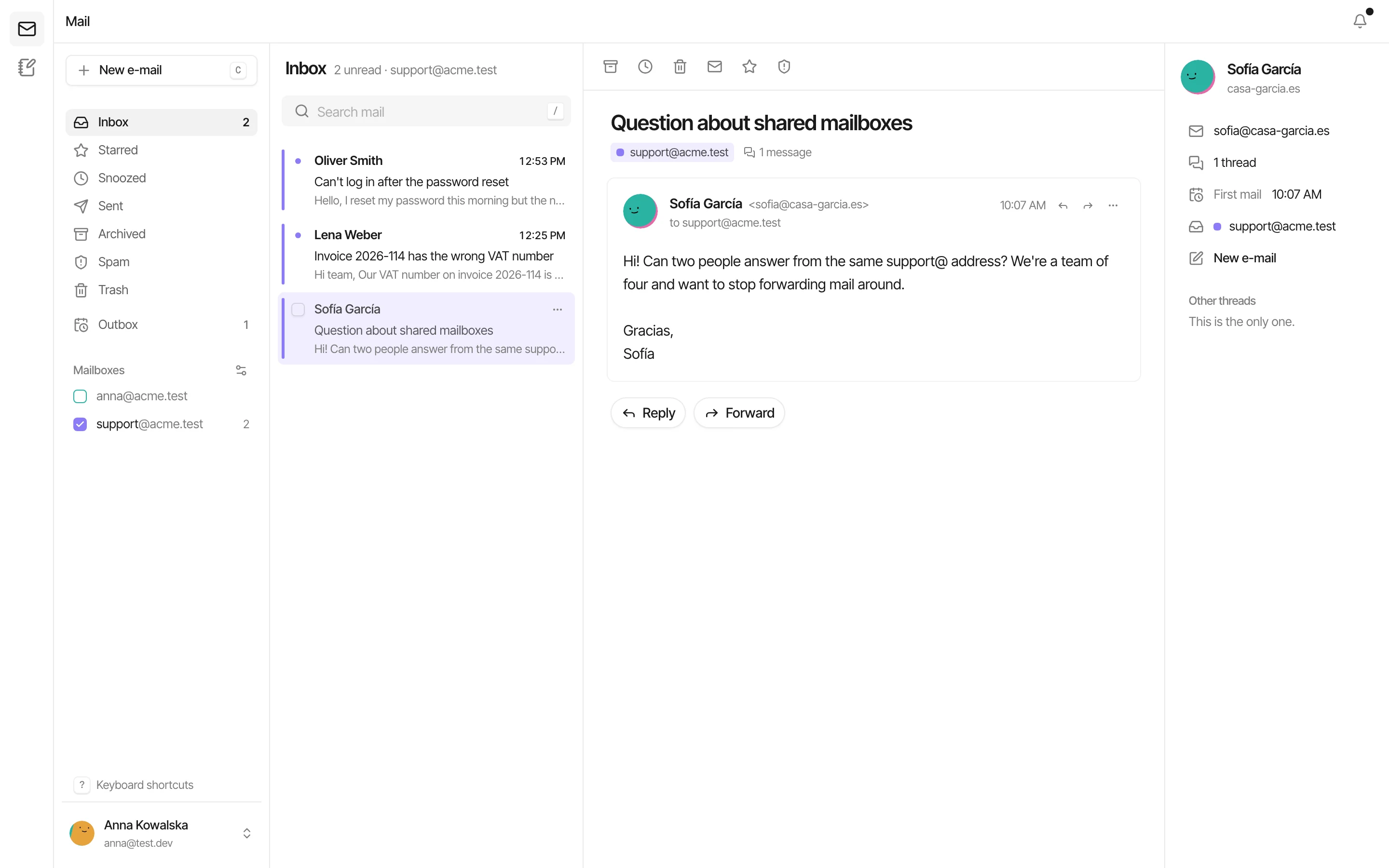
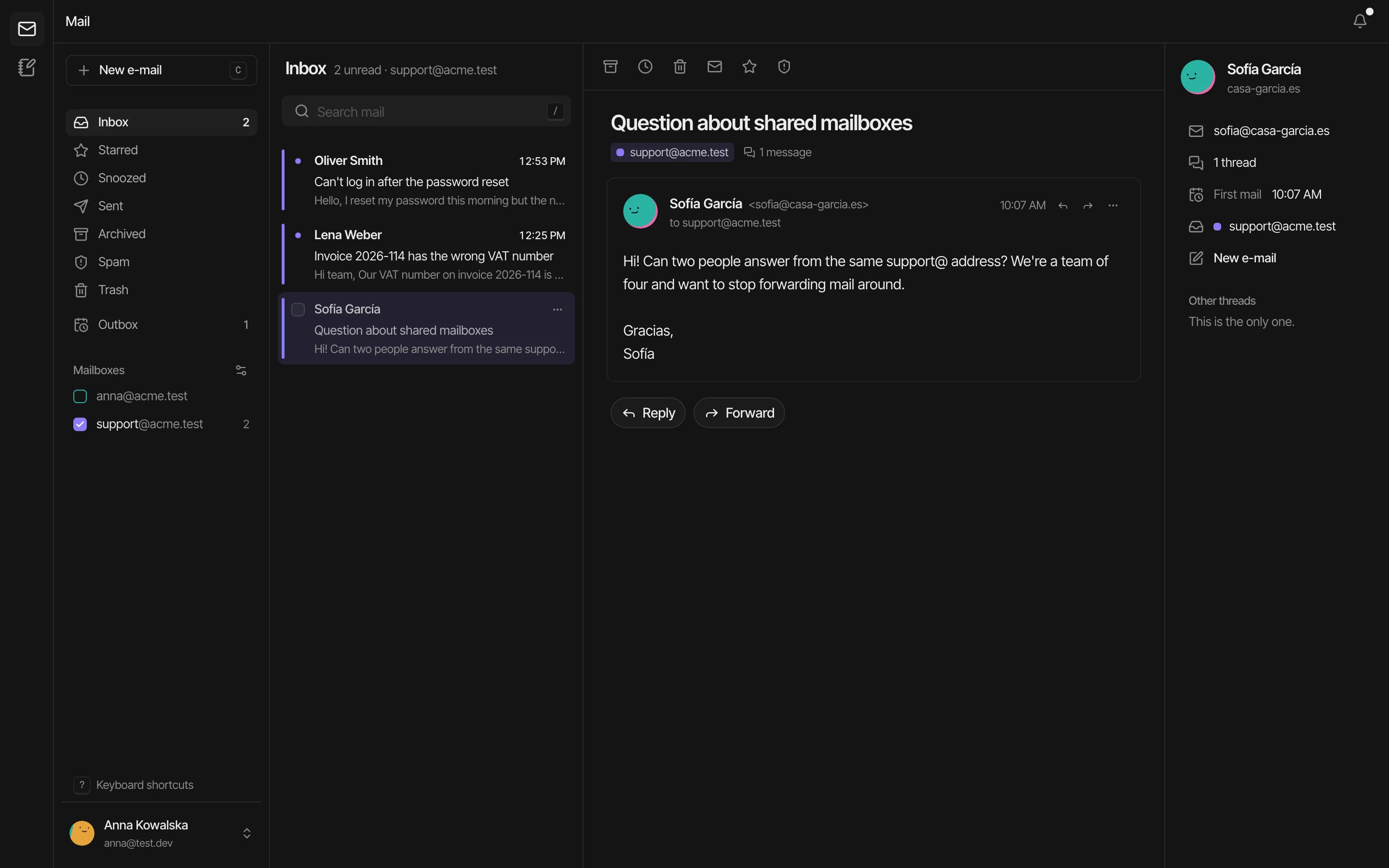
support@ has its own inbox, folders, unread count and spam filter, next to each person's own mailbox.
You choose who answers
Add the people who handle it. Owners and admins see every shared mailbox; members see the ones they're given.
Replies from the shared address
Customers see support@, not the name of whoever answered, and the thread stays in one place for everyone.
No shared password
Everyone signs in as themselves. Each person can enable two-factor authentication for password sign-in. Taking someone off is one click.
Aliases into it
help@ and hello@ can land in support@. A catch-all can send everything unknown there too.
One view or many
Read one mailbox at a time, or tick several to see your own mail and support@ in a single list.
How individual logins and two-factor authentication protect access
Shared mailboxes elsewhere
From each vendor's own pages; the comparison pages link the sources.
| Feature |  Work Inbox |  Google Workspace |  Microsoft 365 |  Zoho Mail |  Proton Mail |
|---|---|---|---|---|---|
| Shared mailboxes | Included: Unlimited on every plan, no licence per mailbox | Partly: No shared mailbox as such: Google Groups' collaborative inbox | Included: Shared mailboxes without a licence up to 50 GB, up to 25 users | Included: Shared mailbox group type | Not available: No shared mailboxes listed; email groups on Workspace plans |
| Aliases and catch-all | Included: Unlimited aliases, catch-all per domain, plus addressing | Partly: Up to 30 aliases per user | Aliases supported; limits not confirmed | Partly: 30 aliases per mailbox; catch-all per domain | Partly: 10 to 20 addresses per person; catch-all on every plan |
| Price per person | €1 / €2.50 / €5 a month (Starter, Pro, Business), billed monthly; first 5 people free, at least 5 billed; self-hosted free | $7 to $22 a month (annual), $8.40 to $26.40 flexible | $7 to $22 a month, annual commitment | Free for 5, then $1 to $7 a month | From $6.99 a month, annual |
Questions
What is a shared mailbox?
A mailbox for an address like support@ or sales@ that several people open with their own accounts. Unlike forwarding, everyone sees the same threads and replies go out from the shared address.
What does a shared mailbox cost in Work Inbox?
Nothing. You pay per person with a personal mailbox, from €1 a month, and create as many shared mailboxes as you need.
What's the difference between a shared mailbox and an alias?
An alias is another address for a mailbox that already exists, for example hello@ delivering into support@. A shared mailbox is a mailbox of its own that several people work in.
Can I see who has access?
Yes. Settings → Mail lists every mailbox; a shared one shows its members, and you can add or remove people there.
Bring your domain
Your team's mail on it this afternoon.